Windows Server

Hyper-V checkpoint failed error banner with missing AVHDX file illustration
Hyper-V Windows Server

Fix Hyper-V Checkpoint Failed Missing AVHDX Error

Home /Windows Server /Fix Hyper-V Checkpoint Failed: Missing AVHDX Error Last Updated: July 2026 A Hyper-V checkpoint failed error with a missing AVHDX file happens when the VM’s configuration stillpoints to a differencing disk (checkpoint) that no longer exists on disk. The fix is to remove thebroken hard disk attachment with Remove-VMHardDiskDrive and reattach the

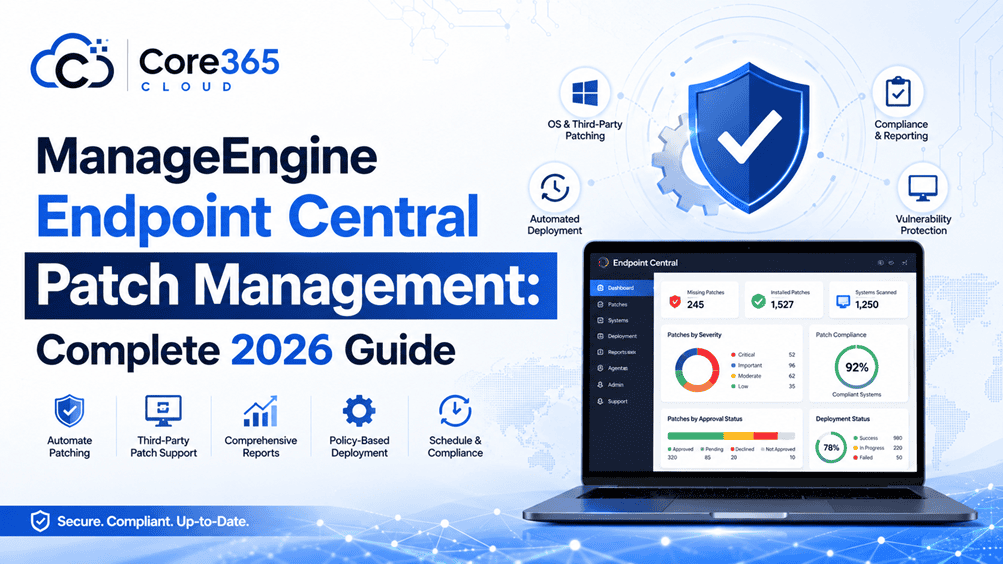
Cybersecurity Endpoint Central Manage Engine Patch Management Windows Server

ManageEngine Endpoint Central Patch Management: Complete 2026 Guide

Keeping Windows Server, client desktops, and everyday applications patched is one of the most effective ways to reduce security risk — yet it’s also one of the most time-consuming tasks for IT teams. ManageEngine Endpoint Central patch management automates this entire process, from scanning for missing updates to testing, deploying, and reporting on patches across

AD CS health check script report showing healthy, warning, and critical counts
Active Directory Active Directory Security PKI & Certificates Windows Server

AD CS Health Check Script: 12 Critical Checks Every Admin Needs (2026)

If you manage an internal Public Key Infrastructure, you already know that Active Directory Certificate Services fails quietly. A certificate authority can look “up” in Server Manager for months while its CRL silently expires, its audit filter sits at zero, or its request queue fills with thousands of failed enrollments nobody ever reviews. This AD

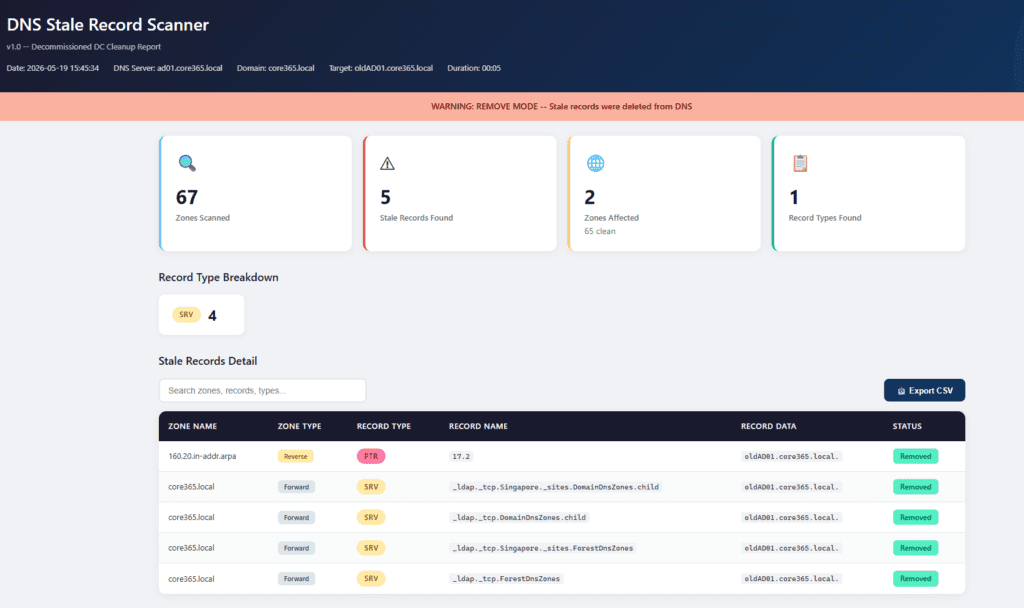
Active Directory Automation DNS DNS Security Microsoft PowerShell

Core365 DNS Stale Record Scanner (PowerShell) – Clean Up Stale AD DNS Records Fast

The Real‑World Problem In real enterprise environments, DNS is never simple. You don’t just have one zone — you have: When a Domain Controller is decommissioned, DNS often keeps stale records behind: Manually checking and cleaning these across dozens (or hundreds) of zones is: The Solution – Core365 DNS Stale Record Scanner Core365-DNS-StaleRecord-Scanner is a

GPO Duplicate Settings Analyzer HTML dashboard showing duplicate and conflicting Group Policy settings in Active Directory
Active Directory Group Policy Microsoft PowerShell

🛡️ GPO Duplicate Settings Analyzer v2.0 (Full Guide + Script)

⏱️ Estimated Read Time 6–8 minutes Managing Group Policy Objects (GPOs) in large Active Directory environments can quickly become chaotic. Over time, duplicate and conflicting settings creep in—leading to unpredictable behavior and long troubleshooting sessions. In this guide, you’ll learn how to identify GPO duplicates, detect conflicts, and clean up your environment using a powerful

Scroll to Top
×