Troubleshooting

Banner illustrating troubleshooting Microsoft Entra Connect installation between on-premises Active Directory and the cloud
Active Directory Identity & Access Management Microsoft Entra

Troubleshoot Microsoft Entra Connect Installation Issues

Home » Microsoft Entra » Troubleshoot Microsoft Entra Connect Installation Issues Last Updated: July 2026 Answer Capsule: Most Microsoft Entra Connect installation problems trace back to three things: a domain controller that shouldn’t be hosting the sync engine, a SQL Server running out of headroom, or an unverified UPN suffix blocking the sign-in configuration step. […]

Hyper-V checkpoint failed error banner with missing AVHDX file illustration
Hyper-V Windows Server

Fix Hyper-V Checkpoint Failed Missing AVHDX Error

Home /Windows Server /Fix Hyper-V Checkpoint Failed: Missing AVHDX Error Last Updated: July 2026 A Hyper-V checkpoint failed error with a missing AVHDX file happens when the VM’s configuration stillpoints to a differencing disk (checkpoint) that no longer exists on disk. The fix is to remove thebroken hard disk attachment with Remove-VMHardDiskDrive and reattach the

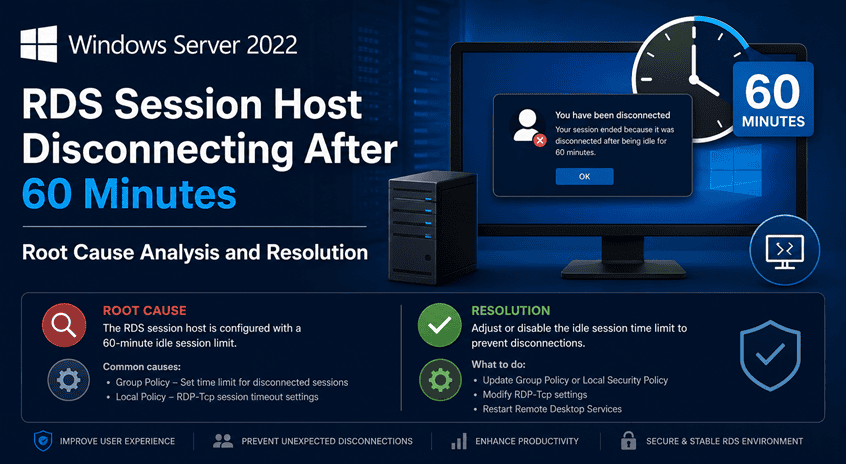
Windows Server 2022 Remote Desktop Services licensing issue showing 60 minute disconnect caused by Windows Server 2019 RDS CAL version mismatch
Windows Server

Windows Server 2022 RDS Session Host Disconnecting After 60 Minutes – Root Cause Analysis and Resolution

Overview A Windows Server 2022 Remote Desktop Session Host (RDSH) was experiencing a recurring issue where users received Remote Desktop licensing warnings and were forcibly disconnected approximately 60 minutes after login. During troubleshooting, it was discovered that: The root cause was determined to be a Remote Desktop Services license version mismatch. Symptoms Users connecting to

GPO Duplicate Settings Analyzer HTML dashboard showing duplicate and conflicting Group Policy settings in Active Directory
Active Directory Group Policy Microsoft PowerShell

🛡️ GPO Duplicate Settings Analyzer v2.0 (Full Guide + Script)

⏱️ Estimated Read Time 6–8 minutes Managing Group Policy Objects (GPOs) in large Active Directory environments can quickly become chaotic. Over time, duplicate and conflicting settings creep in—leading to unpredictable behavior and long troubleshooting sessions. In this guide, you’ll learn how to identify GPO duplicates, detect conflicts, and clean up your environment using a powerful

DNS Networking

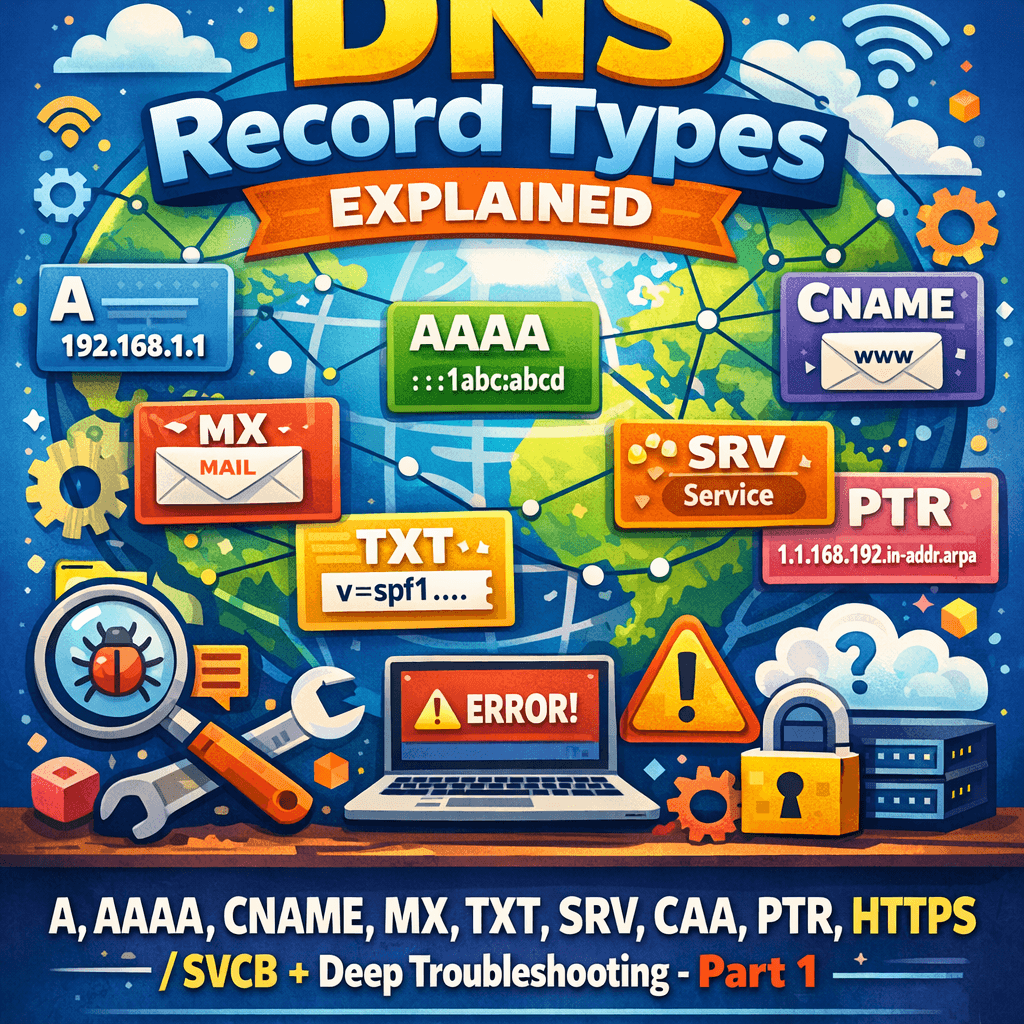
DNS Record Types Explained: A, AAAA, CNAME, MX, TXT, SRV, CAA, PTR, HTTPS/SVCB + Deep Troubleshooting – Part 1

DNS looks deceptively simple—names in, IPs out—but production DNS is a distributed database with caching, delegation boundaries, transport quirks, and cryptographic validation (DNSSEC) layered on top. This guide is written as a “field manual”: what each DNS record type does, when to use it, how to configure it, and what to check when it breaks.

Scroll to Top
×