Microsoft

Explore Microsoft technologies, services, and solutions, including Windows, Azure, Microsoft 365, security, and enterprise tools that power modern digital transformation and productivity.

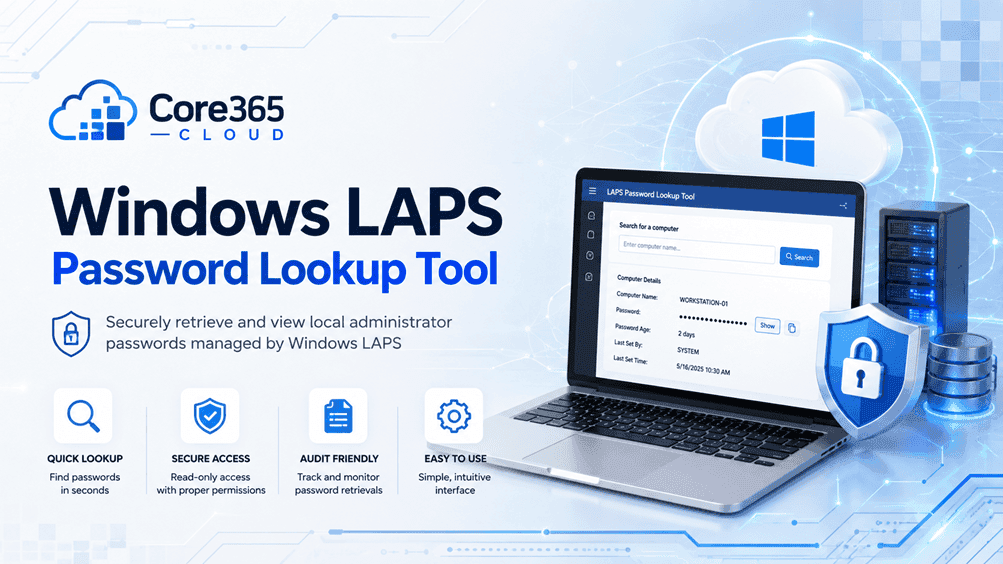
Illustration of a PowerShell and GUI tool retrieving Windows LAPS passwords from Microsoft Entra ID
LAPS PowerShell

Windows LAPS Password Lookup Tool: PowerShell + GUI

Home /LAPS /Windows LAPS Password Lookup Tool (PowerShell + GUI) Last Updated: August 2026 A Windows LAPS password lookup tool is a PowerShell script (with an optional GUI) that wraps Get-LapsAADPassword and the Microsoft Graph API so support teams can retrieve local administrator passwords backed up to Microsoft Entra ID without using raw PowerShell or
Laptop connecting automatically to Microsoft Intune and Entra ID during Windows Autopilot zero-touch setup
Microsoft Intune

Windows Autopilot Deployment Guide (Real-World Setup)

Home > Microsoft Intune > Windows Autopilot Deployment Guide (Real-World Setup) Last Updated: July 2026 Windows Autopilot is Microsoft’s zero-touch provisioning service that lets a brand-new or reassigned Windows device configure itself the first time it powers on. In real-world deployments, the hardware hash is registered by the OEM or reseller at the time of

Banner illustrating Intune auto-enrollment setup for hybrid Azure AD joined Windows devices, Core365 Cloud
Microsoft Intune

Intune Auto-Enrollment for Hybrid Azure AD Join (2026)

Home ›Microsoft Intune ›Intune Auto-Enrollment for Hybrid Azure AD Join Last Updated: July 2026 Quick answer: To enable Intune auto-enrollment for hybrid Azure AD join, configure device sync in Microsoft Entra Connect, then enable the “Enable automatic MDM enrollment using default Azure AD credentials” Group Policy on your domain-joined OU. As a result, devices register

Hyper-V checkpoint failed error banner with missing AVHDX file illustration
Hyper-V Windows Server

Fix Hyper-V Checkpoint Failed Missing AVHDX Error

Home /Windows Server /Fix Hyper-V Checkpoint Failed: Missing AVHDX Error Last Updated: July 2026 A Hyper-V checkpoint failed error with a missing AVHDX file happens when the VM’s configuration stillpoints to a differencing disk (checkpoint) that no longer exists on disk. The fix is to remove thebroken hard disk attachment with Remove-VMHardDiskDrive and reattach the

Scroll to Top
×