Group Policy

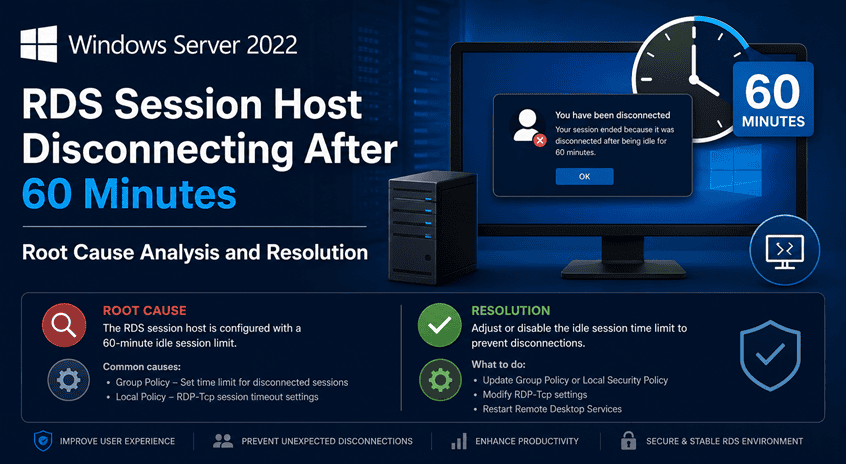
Windows Server 2022 Remote Desktop Services licensing issue showing 60 minute disconnect caused by Windows Server 2019 RDS CAL version mismatch
Windows Server

Windows Server 2022 RDS Session Host Disconnecting After 60 Minutes – Root Cause Analysis and Resolution

Overview A Windows Server 2022 Remote Desktop Session Host (RDSH) was experiencing a recurring issue where users received Remote Desktop licensing warnings and were forcibly disconnected approximately 60 minutes after login. During troubleshooting, it was discovered that: The root cause was determined to be a Remote Desktop Services license version mismatch. Symptoms Users connecting to […]

GPO Duplicate Settings Analyzer HTML dashboard showing duplicate and conflicting Group Policy settings in Active Directory
Active Directory Group Policy Microsoft PowerShell

🛡️ GPO Duplicate Settings Analyzer v2.0 (Full Guide + Script)

⏱️ Estimated Read Time 6–8 minutes Managing Group Policy Objects (GPOs) in large Active Directory environments can quickly become chaotic. Over time, duplicate and conflicting settings creep in—leading to unpredictable behavior and long troubleshooting sessions. In this guide, you’ll learn how to identify GPO duplicates, detect conflicts, and clean up your environment using a powerful

Active Directory Microsoft PowerShell Windows Server

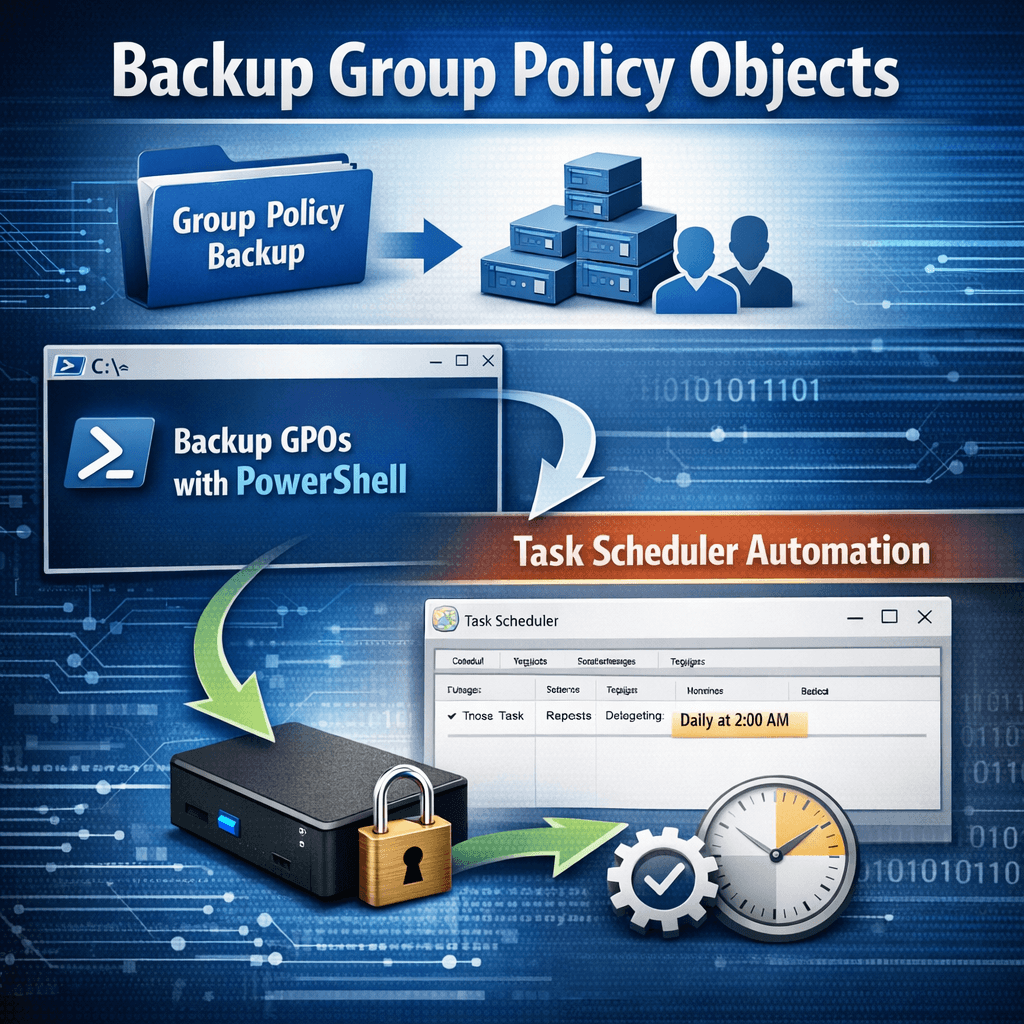
Automating Group Policy Object Backups with PowerShell and Task Scheduler (Part 1)

Group Policy Objects (GPOs) are a core component of Active Directory environments. They control security settings, user configurations, software deployment, and many other critical aspects of Windows infrastructure. Despite their importance, GPOs are often overlooked when it comes to regular backups. In this post (Part 1), we’ll cover why GPO backups matter, how to back

Scroll to Top
×