Automation

Explore automation techniques using PowerShell and cloud tools to simplify IT operations, improve efficiency, and reduce manual tasks.

Active Directory Automation DNS DNS Security Microsoft PowerShell

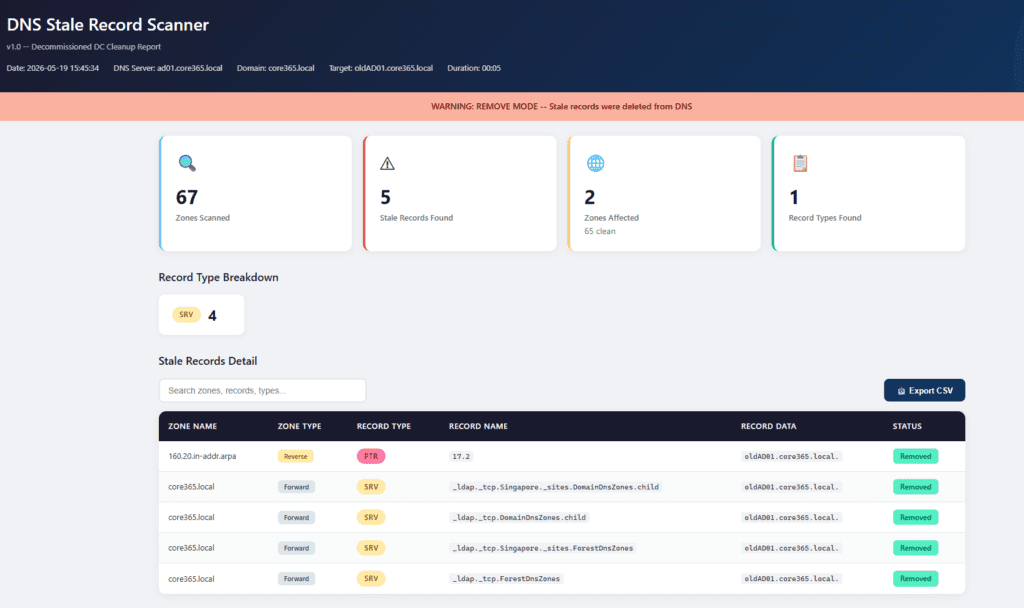
Core365 DNS Stale Record Scanner (PowerShell) – Clean Up Stale AD DNS Records Fast

The Real‑World Problem In real enterprise environments, DNS is never simple. You don’t just have one zone — you have: When a Domain Controller is decommissioned, DNS often keeps stale records behind: Manually checking and cleaning these across dozens (or hundreds) of zones is: The Solution – Core365 DNS Stale Record Scanner Core365-DNS-StaleRecord-Scanner is a […]

Power Automate Desktop RPA stopping when Azure Virtual Desktop AVD session is minimized and fix using unattended RPA and registry workaround
Automation Microsoft Power Automate

Power Automate Desktop RPA Stops When Azure Virtual Desktop Is Minimized: Recommended Fix and Registry Workaround

  Introduction If you are running Power Automate Desktop flows on an Azure Virtual Desktop (AVD) session host, you may have encountered a frustrating problem: everything works perfectly while the AVD session is open and visible, but the moment you minimize the remote desktop window, the RPA flow stops, fails, or freezes. This is not

Feature image for a real-time Active Directory replication dashboard built with PowerShell and HTML, showing live topology view, site-to-site summary, failed and stale replication links, and auto-refreshing dashboard health metrics.
Active Directory Automation Microsoft PowerShell

🚀 Real-Time Active Directory Replication Dashboard (PowerShell)

⏱️ Estimated Read Time – 6–8 minutes Active Directory replication issues are one of the most common hidden causes of outages, authentication failures, and inconsistent policies in enterprise environments. Yet most tools used today: 👉 That’s exactly why I built this: A real-time AD Replication Dashboard powered by PowerShell + HTML that transforms raw replication

Find caller computer causing repeated Active Directory account lockouts using Event ID 4740 report
Active Directory Automation PowerShell Security

Stop Repeated Active Directory Lockouts: Find the Caller Computer (Event ID 4740) with a PowerShell HTML + Email Report

If you’ve ever dealt with “my account is locked again” tickets, you know the real pain isn’t unlocking the account — it’s finding what keeps locking it. When a user gets locked out in Active Directory, the key investigative signal is Windows Security Event ID 4740 (“A user account was locked out”). [techpress.net] 💻 Download

Active Directory Automation Microsoft PowerShell Security & Auditing Windows Server

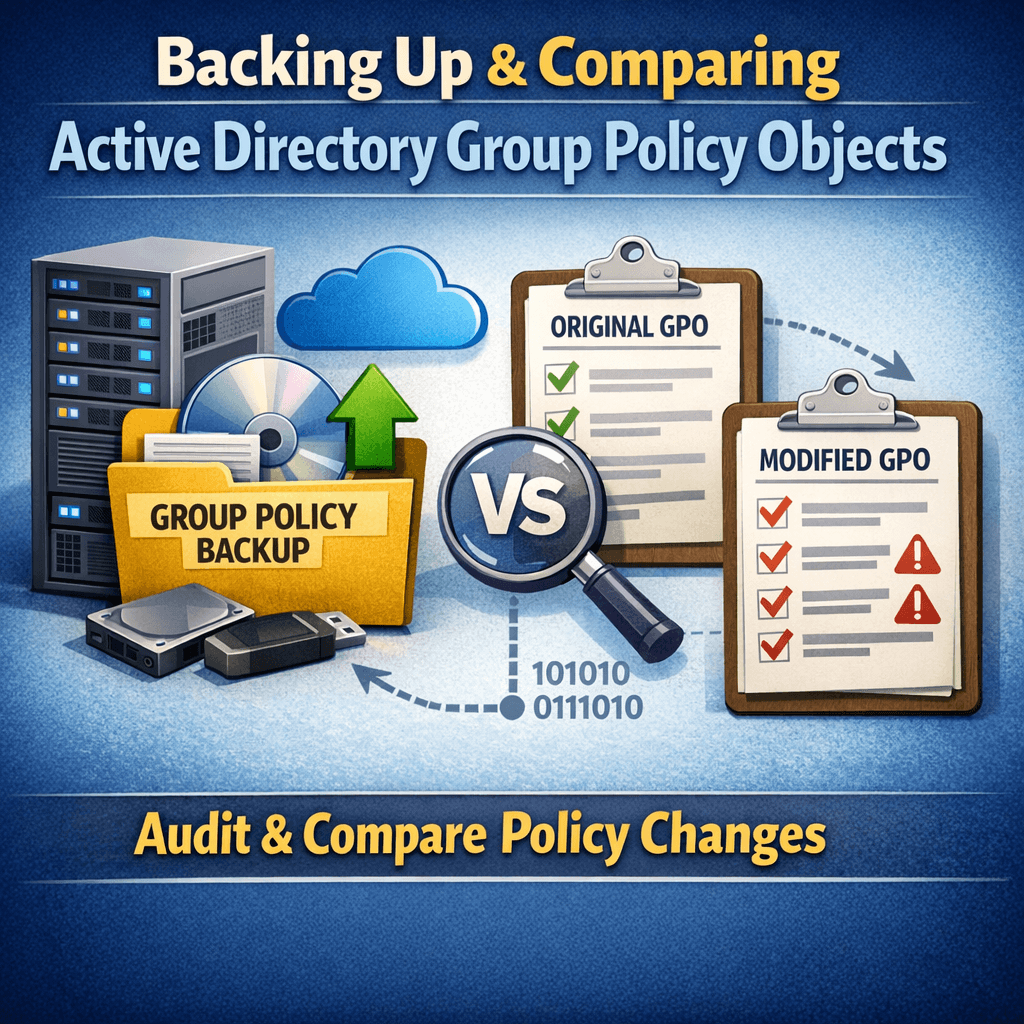
Generating GPO Change Audit Reports Using PowerShell (Part 2)

In Part 1, we automated Group Policy Object (GPO) backups using PowerShell and Task Scheduler. Backups alone are valuable—but their real power comes from visibility. Auditors don’t ask if you back up GPOs.They ask: “Show me what changed during this period.” In this post (Part 2), we’ll walk through how to compare two GPO backup

Scroll to Top
×