

DNS Security Networking
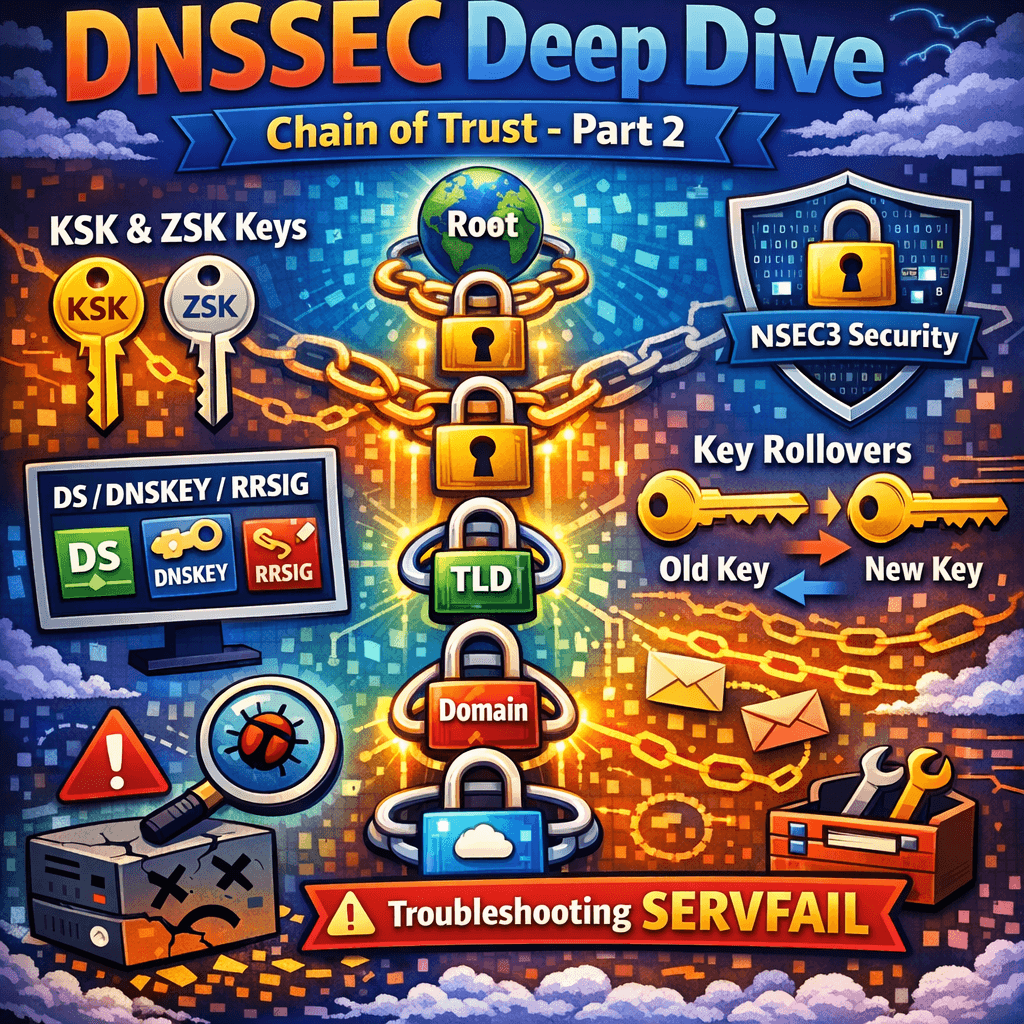
DNSSEC Deep Dive: Chain of Trust, KSK/ZSK, DS/DNSKEY/RRSIG, NSEC3, Key Rollovers + Troubleshooting SERVFAIL – Part 2
Continuation from Part 1 – DNS record types cheat sheet This post is a continuation of Part 1: DNS Record Types Explained + Troubleshooting, where we covered the practical purpose of each DNS record type and how to debug common resolution problems.Now we move into the layer that changes the rules of failure: DNSSEC. With

Active Directory IT Operations Troubleshooting Windows 11 Windows 11 Tips
Active Directory Trust Relationship Failed: Root Causes, Symptoms, and Prevention
Active Directory Trust Relationship Failed: What Are the Root Causes? If you manage Windows endpoints or servers, you have probably seen this error before: The trust relationship between this workstation and the primary domain failed. It is one of those Active Directory issues that appears suddenly. Yesterday the machine worked. Today the user cannot sign
Migration Wordpress
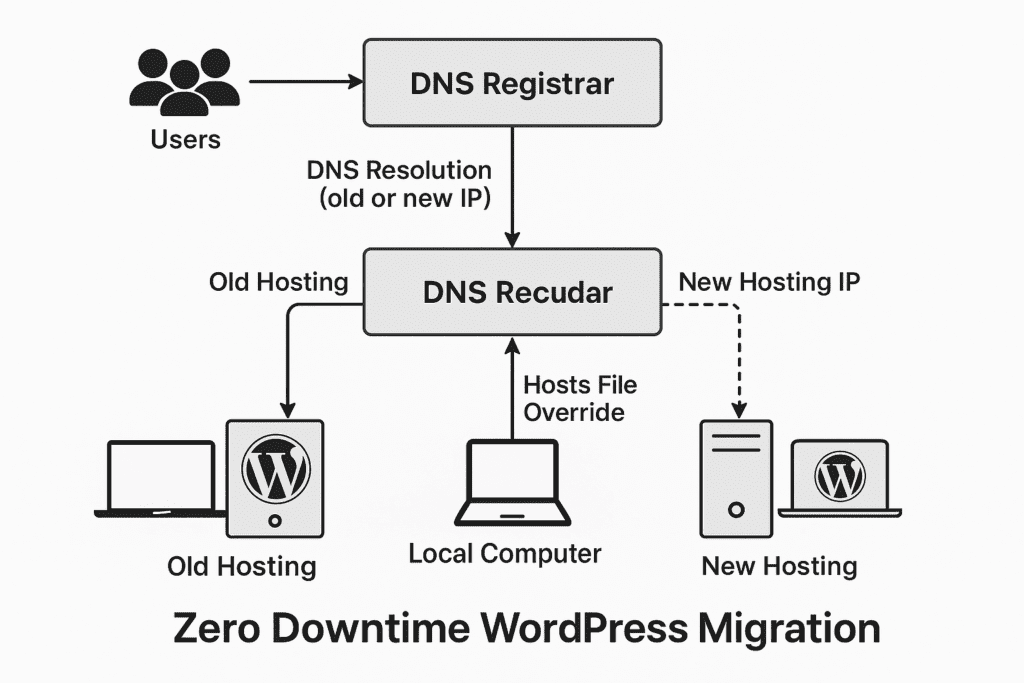
How to Migrate a WordPress Website with Zero Downtime Using the Same Domain
Migrating a WordPress website from one hosting provider to another can feel risky—especially when uptime, SEO rankings, and user experience are critical. The good news is that with the right approach, you can achieve absolute zero downtime while keeping the same domain. This guide walks you through a proven method that ensures your visitors never
DNS Networking
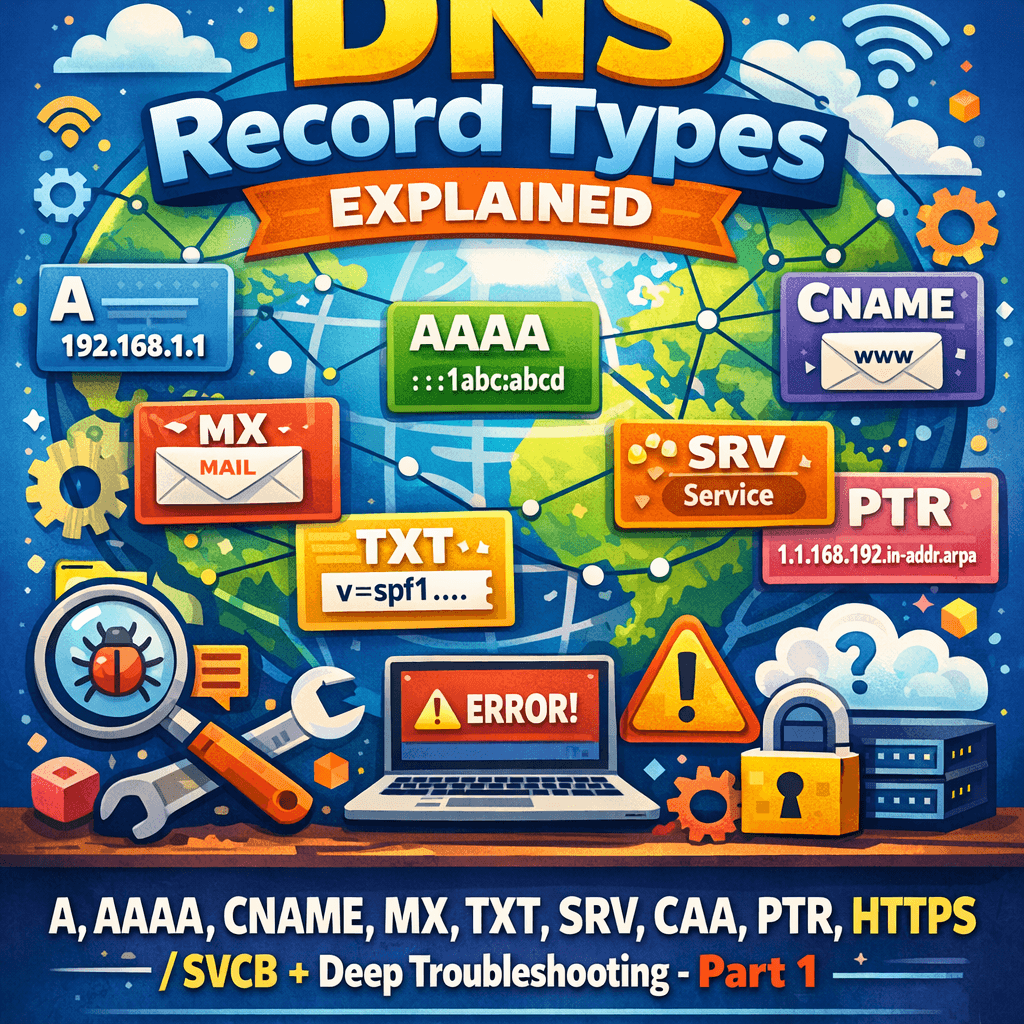
DNS Record Types Explained: A, AAAA, CNAME, MX, TXT, SRV, CAA, PTR, HTTPS/SVCB + Deep Troubleshooting – Part 1
DNS looks deceptively simple—names in, IPs out—but production DNS is a distributed database with caching, delegation boundaries, transport quirks, and cryptographic validation (DNSSEC) layered on top. This guide is written as a “field manual”: what each DNS record type does, when to use it, how to configure it, and what to check when it breaks.

Cybersecurity Exchange Server Security
🚨 Critical Microsoft Exchange Server Vulnerability (CVE‑2026‑42897) Actively Exploited
⏱️ Estimated Read Time 6–8 minutes A newly disclosed critical Microsoft Exchange Server vulnerability (CVE‑2026‑42897) is being actively exploited in the wild, prompting urgent action from IT administrators worldwide. This high‑severity flaw directly targets on‑premises Exchange environments, allowing attackers to execute malicious code through Outlook Web Access (OWA) sessions. With a CVSS score of 8.1,
