PowerShell

Colorful featured image showing the text Active Directory Trust Relationship Failed Root Causes on an orange and pink background.
Active Directory IT Operations Troubleshooting Windows 11 Windows 11 Tips

Active Directory Trust Relationship Failed: Root Causes, Symptoms, and Prevention

Active Directory Trust Relationship Failed: What Are the Root Causes? If you manage Windows endpoints or servers, you have probably seen this error before: The trust relationship between this workstation and the primary domain failed. It is one of those Active Directory issues that appears suddenly. Yesterday the machine worked. Today the user cannot sign

Find caller computer causing repeated Active Directory account lockouts using Event ID 4740 report
Active Directory Automation PowerShell Security

Stop Repeated Active Directory Lockouts: Find the Caller Computer (Event ID 4740) with a PowerShell HTML + Email Report

If you’ve ever dealt with “my account is locked again” tickets, you know the real pain isn’t unlocking the account — it’s finding what keeps locking it. When a user gets locked out in Active Directory, the key investigative signal is Windows Security Event ID 4740 (“A user account was locked out”). [techpress.net] 💻 Download

Active Directory PowerShell

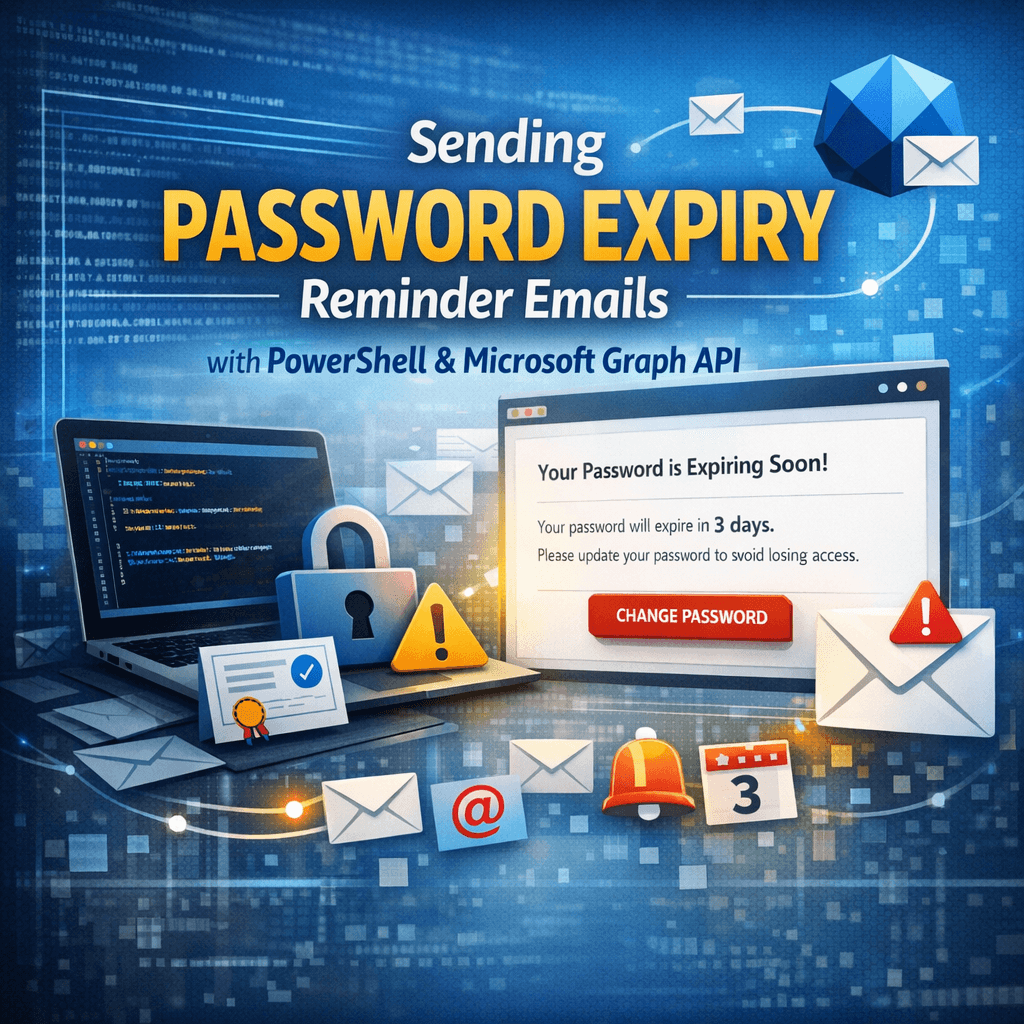
How to Send Password Expiry Reminder Emails with PowerShell and Microsoft Graph API (Certificate Auth)

Estimated read time: ~10–12 minutes Audience: Windows/AD administrators, M365/Entra admins, automation engineers Overview Password expiry is one of the most common causes of user lockouts and helpdesk calls. A small PowerShell automation that detects upcoming password expirations from Active Directory and emails users proactively can reduce disruption significantly. One modern way to send email in

Scroll to Top
×