Windows 11

Discover Windows 11 features, setup guides, troubleshooting, and optimization for improved productivity and performance.

Microsoft Troubleshooting Windows Windows 10 Windows 11 Windows 11 Tips WIndows 7 Windows 8 Windows 8.1

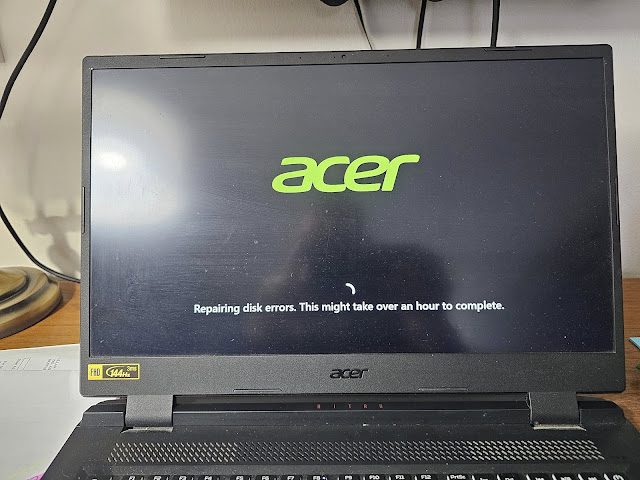
Why Is My Desktop Internet Speed Inconsistent? (Simple Fixes)

 If you’re noticing inconsistent internet speeds on your desktop while your laptop maintains a steady connection, you’re not alone. Many users experience fluctuating speeds, where some days the download speed is high (e.g., 100 Mbps) and other days it drops significantly (e.g., 4 Mbps). Meanwhile, your laptop might consistently get 40 Mbps. So, what’s going […]
Troubleshooting Windows Windows 10 Windows 11 Windows 11 Tips WIndows 7 Windows 8 Windows 8.1

Is It Safe to Delete System Error Memory Dump Files and Delivery Optimization Files in Windows?

When you run Disk Cleanup in Windows, you might notice large files such as System Error Memory Dump Files and Delivery Optimization Files. Naturally, these files can take up several gigabytes of storage. So, the big question is: Should you delete them? In this guide, we’ll explain what these files are, when to keep them,

Windows 11 Tips

How to Enable Copilot on Windows 11: A Step-by-Step Guide

Introduction: Windows 11 introduces Copilot, an AI-powered assistant designed to enhance productivity and simplify tasks. Whether you’re a tech enthusiast or a casual user, enabling Copilot can transform your Windows experience. This guide will walk you through the steps to enable and use Copilot on your Windows 11 device. Body: Ensure Your System is Updated

Windows 11 Tips

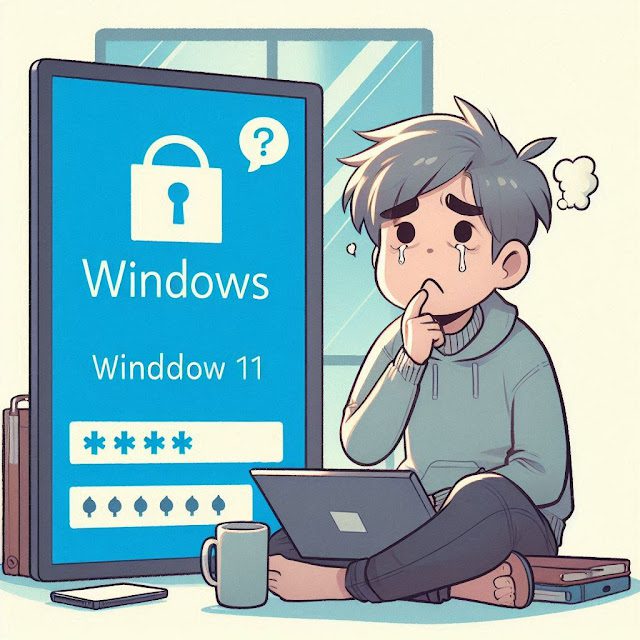
How to Reset a Forgotten Password on Windows 11

 Forgetting your Windows 11 password can be a frustrating experience, but don’t worry, there are several ways to regain access to your system. In this guide, we’ll walk you through the various methods you can use to reset your forgotten password and get back into your computer. Method 1: Reset Password Using a Microsoft Account

Scroll to Top
×