PowerShell

Learn PowerShell scripting, automation, and command-line management to streamline administration across Windows, Azure, and Microsoft 365 environments.

Active Directory Automation Microsoft PowerShell Security & Auditing Windows Server

Generating GPO Change Audit Reports Using PowerShell (Part 2)

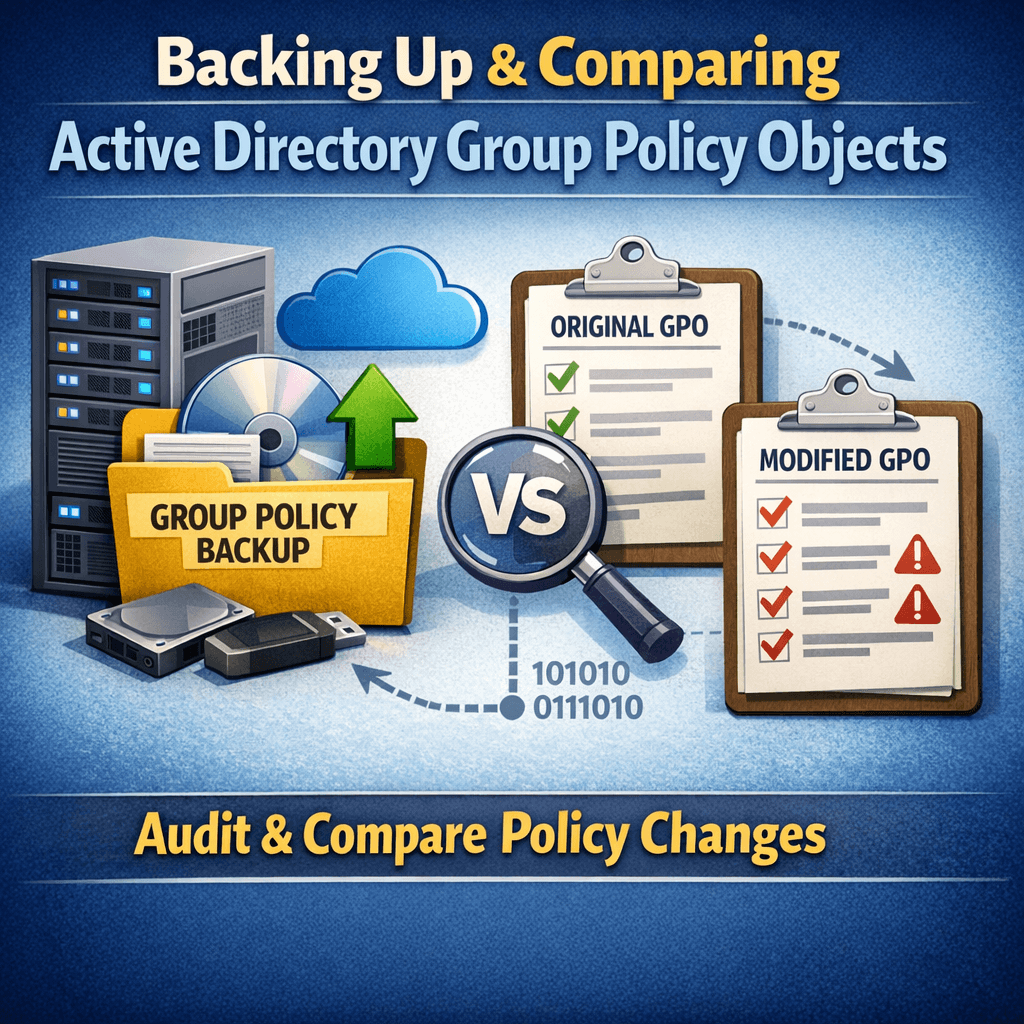
In Part 1, we automated Group Policy Object (GPO) backups using PowerShell and Task Scheduler. Backups alone are valuable—but their real power comes from visibility. Auditors don’t ask if you back up GPOs.They ask: “Show me what changed during this period.” In this post (Part 2), we’ll walk through how to compare two GPO backup […]

Active Directory Microsoft PowerShell Windows Server

Automating Group Policy Object Backups with PowerShell and Task Scheduler (Part 1)

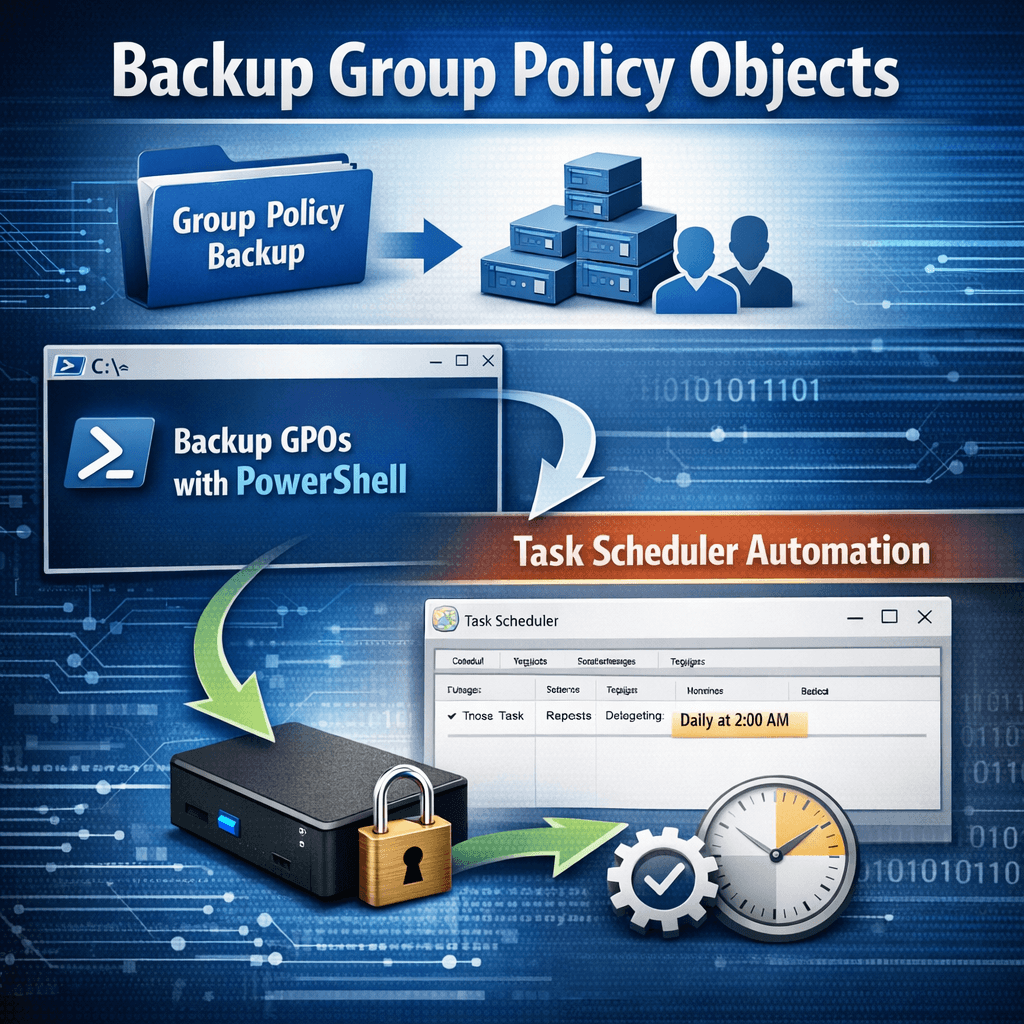
Group Policy Objects (GPOs) are a core component of Active Directory environments. They control security settings, user configurations, software deployment, and many other critical aspects of Windows infrastructure. Despite their importance, GPOs are often overlooked when it comes to regular backups. In this post (Part 1), we’ll cover why GPO backups matter, how to back

Active Directory PowerShell

How to Send Password Expiry Reminder Emails with PowerShell and Microsoft Graph API (Certificate Auth)

Estimated read time: ~10–12 minutes Audience: Windows/AD administrators, M365/Entra admins, automation engineers Overview Password expiry is one of the most common causes of user lockouts and helpdesk calls. A small PowerShell automation that detects upcoming password expirations from Active Directory and emails users proactively can reduce disruption significantly. One modern way to send email in

Active Directory Microsoft Entra PowerShell Security

Incorrect version of TLS – Installing the latest Azure AD connect

While you trying to install the latest Azure AD connect you might get the below error. This is because the latest version is required to have TLS 1.2 to provide secure communication. How to solve this? By applying few registry keys we can enable TLS 1.2 on our server. Enable TLS 1.2 [HKEY_LOCAL_MACHINE\SOFTWARE\WOW6432Node\Microsoft\.NETFramework\v4.0.30319] “SystemDefaultTlsVersions”=dword:00000001 “SchUseStrongCrypto”=dword:0000001

Scroll to Top
×