Active Directory

Manage, secure, and optimize Active Directory with guides on authentication, domain services, user management, and enterprise security best practices.

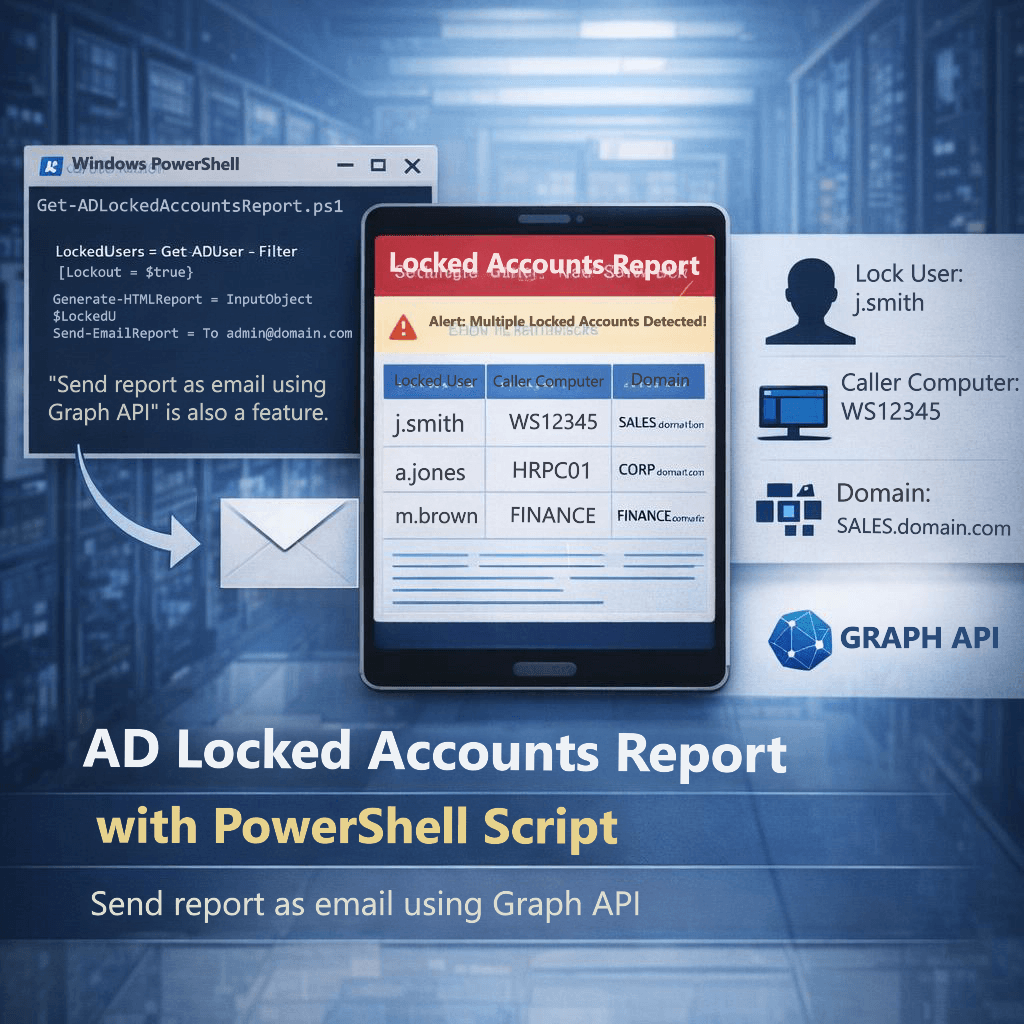
Find caller computer causing repeated Active Directory account lockouts using Event ID 4740 report
Active Directory Automation PowerShell Security

Stop Repeated Active Directory Lockouts: Find the Caller Computer (Event ID 4740) with a PowerShell HTML + Email Report

If you’ve ever dealt with “my account is locked again” tickets, you know the real pain isn’t unlocking the account — it’s finding what keeps locking it. When a user gets locked out in Active Directory, the key investigative signal is Windows Security Event ID 4740 (“A user account was locked out”). [techpress.net] 💻 Download

Active Directory health check PowerShell HTML dashboard
Active Directory Identity & Access Management Microsoft PowerShell Windows Server

Active Directory Health Check with PowerShell – Full Forest Report & Interactive HTML Dashboard

Active Directory Health Check with PowerShell + HTML Dashboard Run a complete Active Directory health check using PowerShell and automatically generate a clean, readable HTML dashboard. This guide shows you how to assess domain health, replication status, and critical AD services using a simple script. Whether you’re a system administrator or IT engineer, this automated

Active Directory

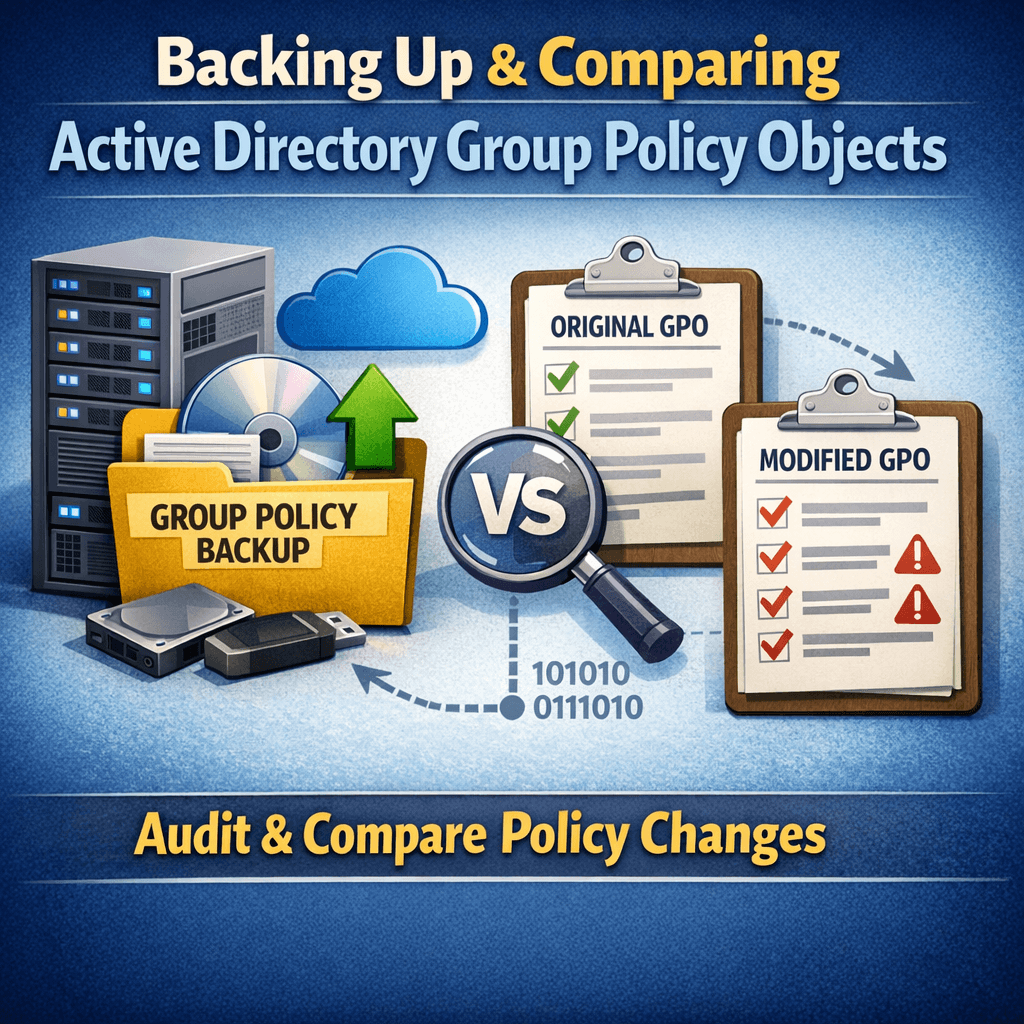
Sample GPO Monthly Change Audit Report (HTML Output)

This page contains a sample HTML output generated by an automated Group Policy Object (GPO) change comparison process. The report demonstrates how two scheduled GPO backup snapshots can be compared to clearly identify: This type of report is especially valuable during security audits, compliance reviews, and internal change management, where administrators are required to prove

Active Directory Automation Microsoft PowerShell Security & Auditing Windows Server

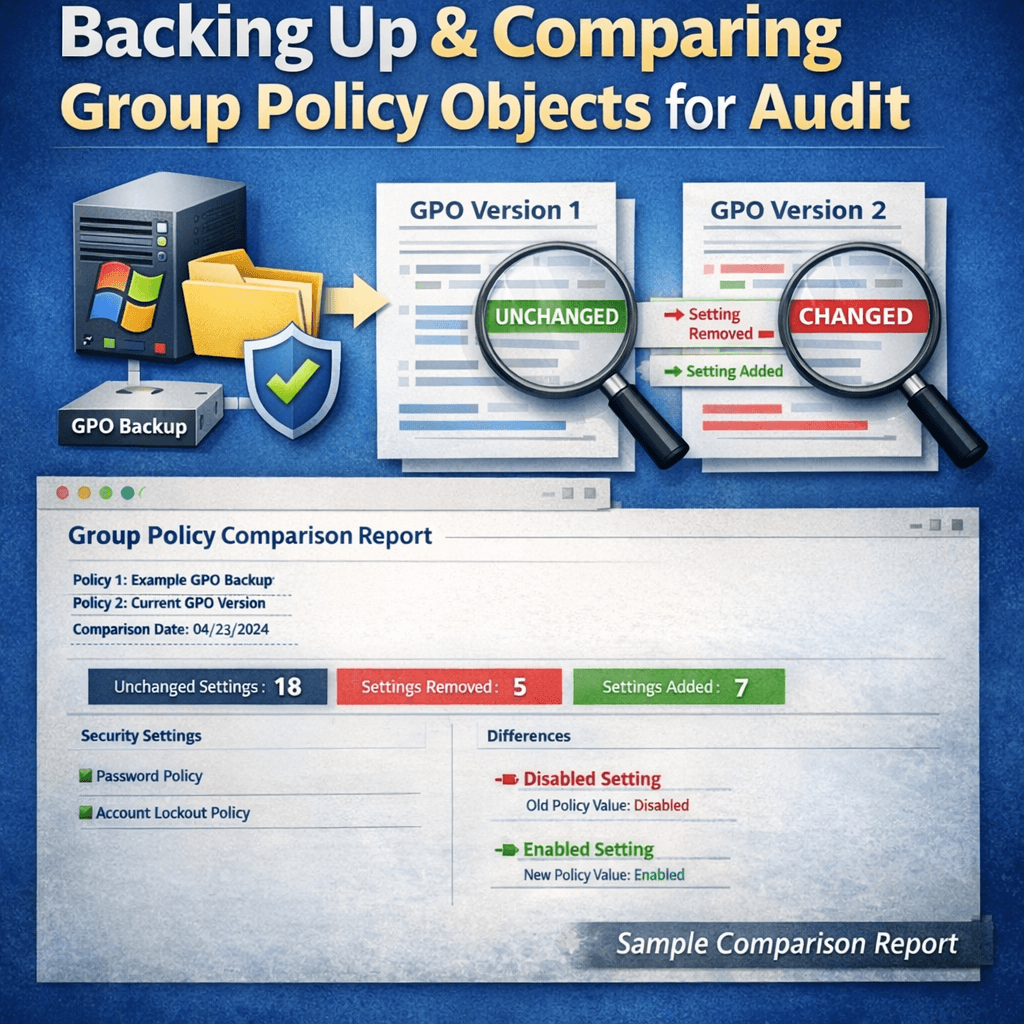
Generating GPO Change Audit Reports Using PowerShell (Part 2)

In Part 1, we automated Group Policy Object (GPO) backups using PowerShell and Task Scheduler. Backups alone are valuable—but their real power comes from visibility. Auditors don’t ask if you back up GPOs.They ask: “Show me what changed during this period.” In this post (Part 2), we’ll walk through how to compare two GPO backup

Active Directory Microsoft PowerShell Windows Server

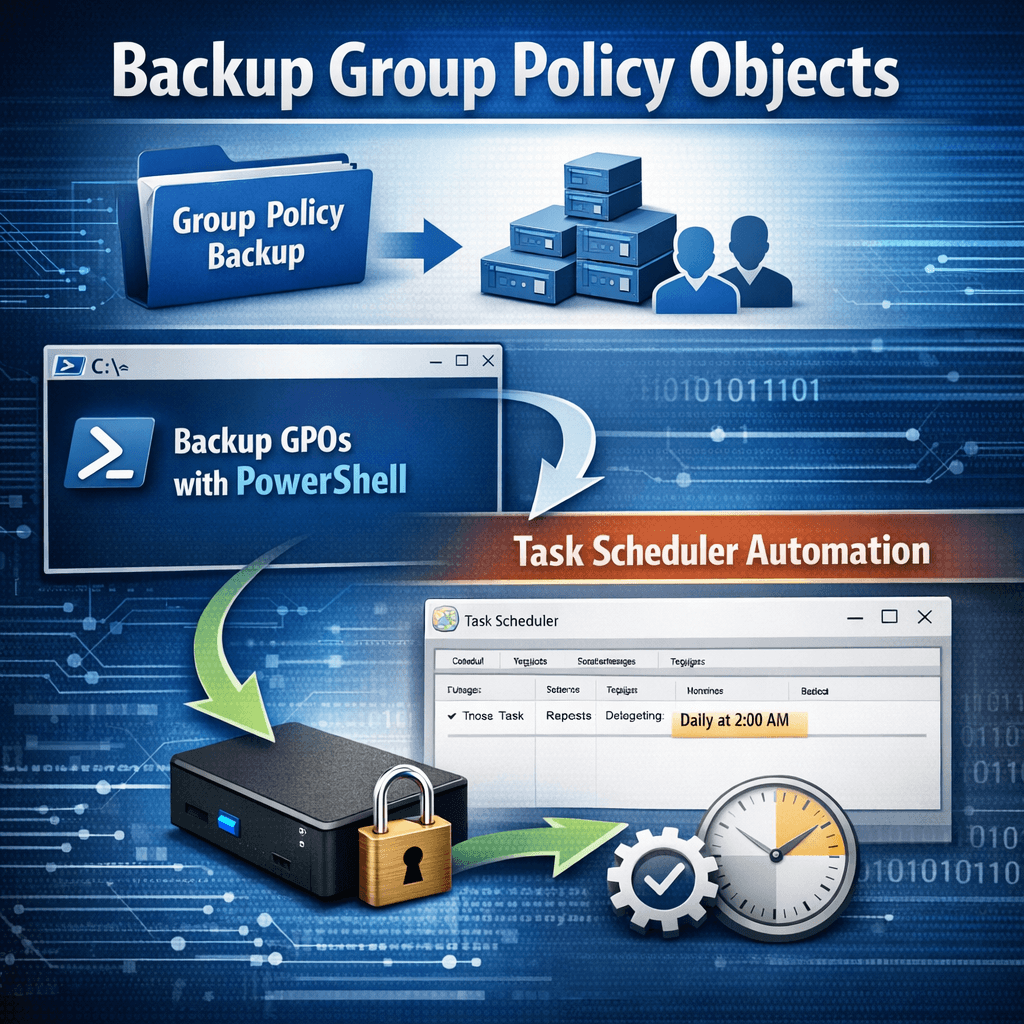
Automating Group Policy Object Backups with PowerShell and Task Scheduler (Part 1)

Group Policy Objects (GPOs) are a core component of Active Directory environments. They control security settings, user configurations, software deployment, and many other critical aspects of Windows infrastructure. Despite their importance, GPOs are often overlooked when it comes to regular backups. In this post (Part 1), we’ll cover why GPO backups matter, how to back

Scroll to Top
×