Microsoft

Explore Microsoft technologies, services, and solutions, including Windows, Azure, Microsoft 365, security, and enterprise tools that power modern digital transformation and productivity.

Active Directory Microsoft PowerShell Windows Server

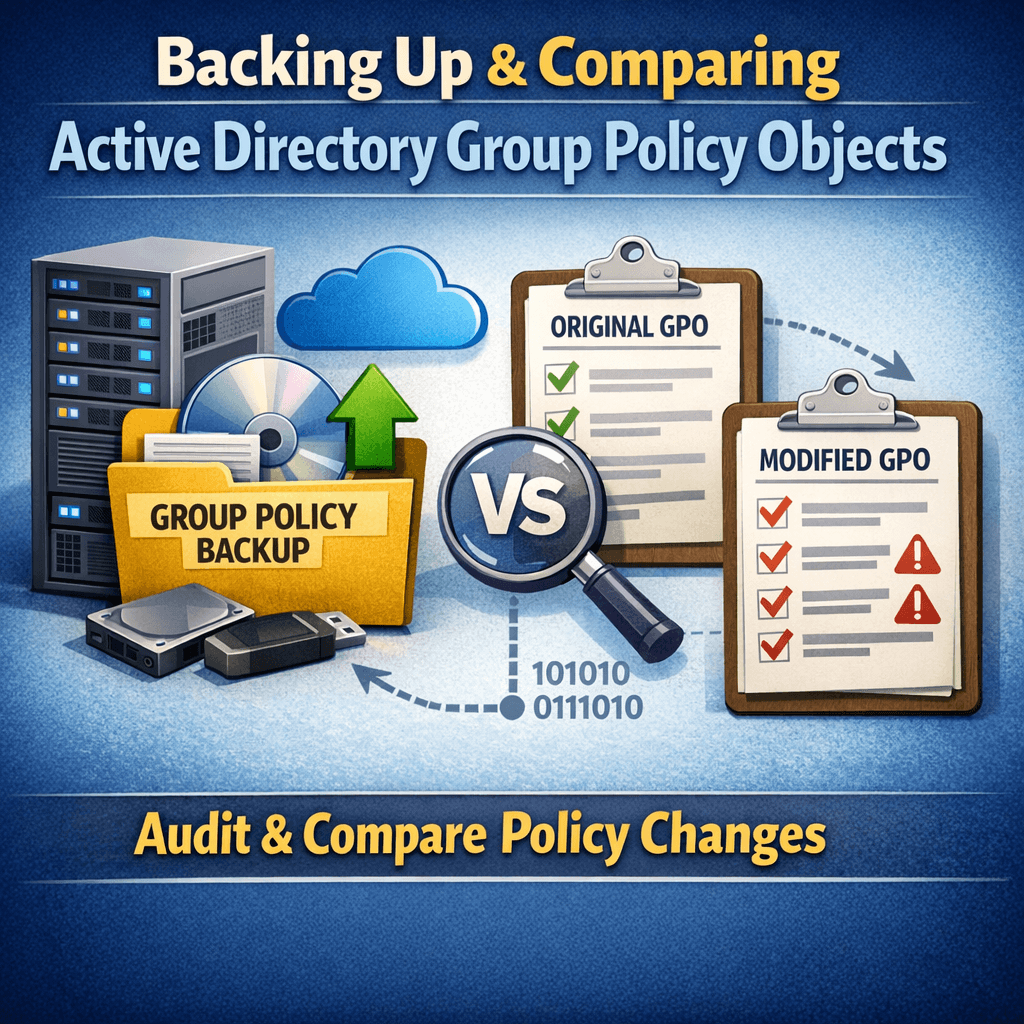
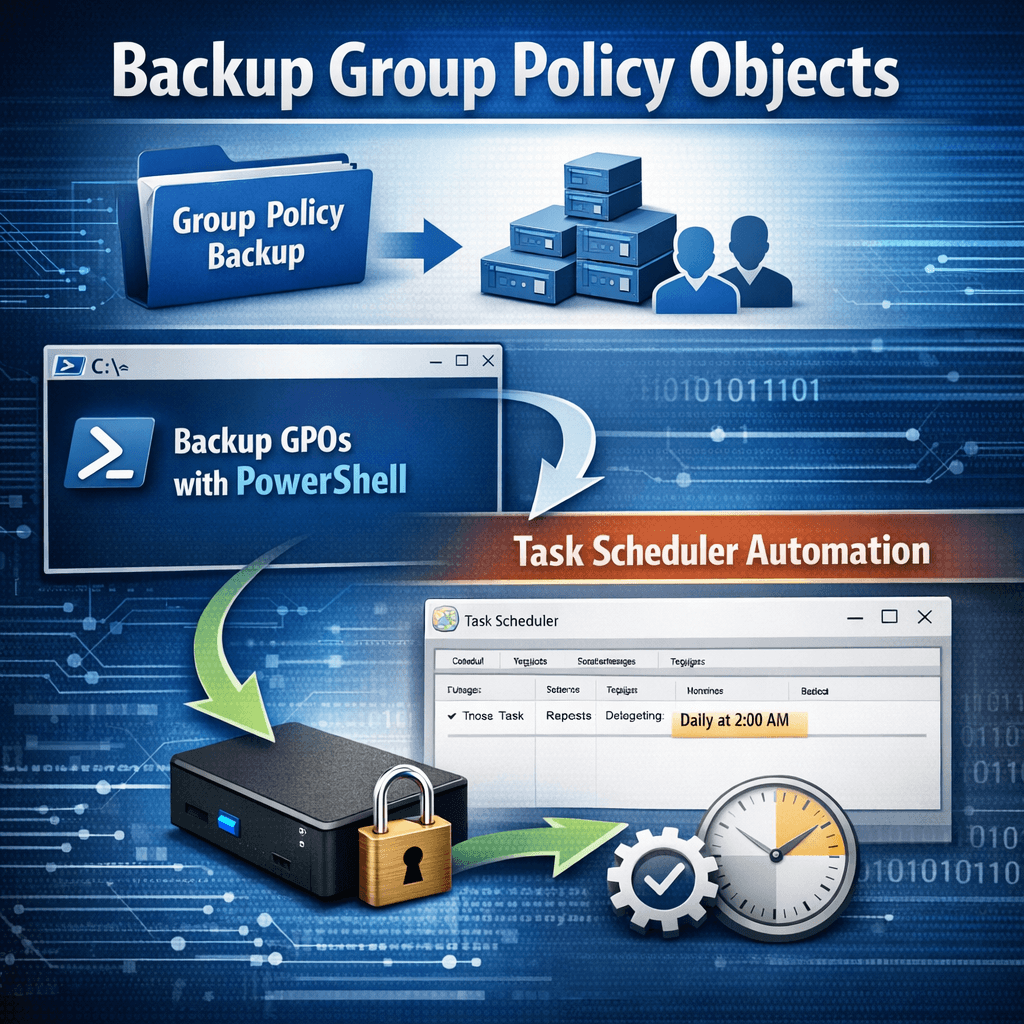
Automating Group Policy Object Backups with PowerShell and Task Scheduler (Part 1)

Group Policy Objects (GPOs) are a core component of Active Directory environments. They control security settings, user configurations, software deployment, and many other critical aspects of Windows infrastructure. Despite their importance, GPOs are often overlooked when it comes to regular backups. In this post (Part 1), we’ll cover why GPO backups matter, how to back […]

Cloud Identity Enterprise Security Microsoft Intune PKI & Certificates

Microsoft Intune Cloud PKI: A Deep Technical Dive into Architecture, Security, and Deployment

Estimated Reading Time: 18–20 minutes Public Key Infrastructure (PKI) has always been a necessary evil in enterprise IT—powerful, security‑critical, and operationally complex. With the introduction of Microsoft Intune Cloud PKI, Microsoft is transforming traditional PKI into a fully cloud‑native, managed service tightly integrated with endpoint management and identity. This article provides a deep technical exploration

Azure Cloud Security Identity & Access Management Microsoft Microsoft 365 Microsoft Entra

Cross‑Tenant Synchronization in Microsoft Entra ID: Deep‑Dive Configuration, Architecture, and Security Best Practices

Introduction Modern enterprises rarely operate within a single Microsoft Entra tenant. Mergers, acquisitions, regional compliance boundaries, and sovereign cloud requirements frequently necessitate multi‑tenant identity architectures. Historically, organizations relied on manual Azure AD B2B invitations or custom scripts to manage cross‑tenant access, leading to identity sprawl, inconsistent security enforcement, and stale guest accounts. Microsoft Entra cross‑tenant

Active Directory Windows Server

Fixing Active Directory Time Drift in Hybrid/Virtualized Environments (The Definitive Troubleshooting & Remediation Guide)

Estimated read time: 12–15 minutes. Why time drift in AD is a big deal Active Directory authentication depends on correct time. Kerberos has a strict tolerance window; when clocks drift, you get failed logons, random access issues, broken SSO, and unreliable auditing. The Windows Time service (W32Time) is designed to keep domain computers synchronized using

Active Directory PowerShell

How to Send Password Expiry Reminder Emails with PowerShell and Microsoft Graph API (Certificate Auth)

Estimated read time: ~10–12 minutes Audience: Windows/AD administrators, M365/Entra admins, automation engineers Overview Password expiry is one of the most common causes of user lockouts and helpdesk calls. A small PowerShell automation that detects upcoming password expirations from Active Directory and emails users proactively can reduce disruption significantly. One modern way to send email in

Scroll to Top
×